
Apple & Mac
Deployment, management, security and support for Mac, iPhone and iPad devices.
Endpoint Management
TexArxs sets up and runs device management for Mac, Windows, iPhone, iPad and Android devices. For IT leaders who want every laptop and phone enrolled, configured and kept up to date without chasing people.
Endpoint management is how a company sets up, secures and maintains every laptop, phone and tablet its people use. Done well, a new device configures itself, stays up to date and can be wiped remotely if it is lost.
Most organisations run a mix: Mac devices alongside Windows laptops, iPhone and Android phones, and the odd iPad. TexArxs manages them together, with one set of policies, while using the tools that fit each platform.

New laptops take hours of manual setup before they can ship.
Automatic enrolment and role-based configuration, so devices set themselves up on first start.
Nobody is sure which devices are encrypted or up to date.
Compliance rules and reporting that show the state of every device in one place.
Updates are postponed until something breaks.
An update schedule that is tested on a small group first, announced, then enforced.
Lost or departing devices still hold company data.
Remote lock and wipe, and a checklist for recovering and reusing devices.
We learn how your people work, what you run today and what is getting in the way.
You get a written plan: what changes, in what order, and how we will know it worked.
We make the changes in stages, test them with a small group first and keep you informed.
We document what we built and keep it running, or hand it over to your team.
The platforms and tools we work with. TexArxs has no vendor partnerships.
Yes. Most organisations run a mix. We set up management so both follow the same policies, while using the right tools for each platform.
Not necessarily. We start by reviewing what you have. Often the fastest win is fixing the configuration, not changing the tool.
Yes. We plan enrolment for devices already in use so people can keep working, and set up automatic enrolment for new ones.
Deployment, management, security and support for Mac, iPhone and iPad devices.
TexArxs helps you protect devices and control who can reach what, without making work harder.
TexArxs runs the routine IT work that keeps a company moving.
Endpoint Management
How Jamf Pro and Microsoft Intune compare for managing Mac devices, where each fits, and the questions that decide which suits your organisation.
Apple & Mac
A practical checklist for onboarding new starters on Mac devices with zero-touch setup, from ordering and Apple Business to day-one apps and security.
Endpoint Management
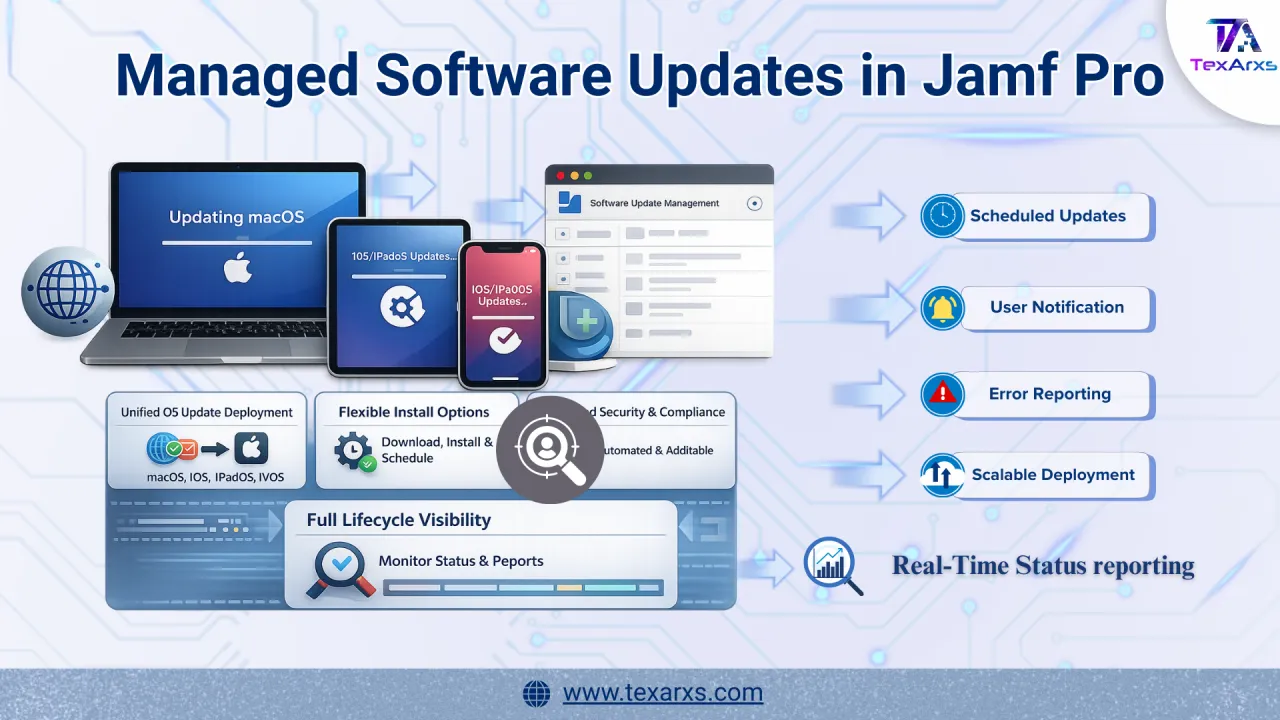
How Jamf Pro managed software updates deliver declarative, enforced OS updates across macOS, iOS, iPadOS and tvOS, and how to set them up.