
Hiring IT Talent
How to Hire a Jamf Administrator Who Can Do the Job
What a Jamf administrator does, the skills to test for, interview questions that reveal real experience, and the red flags to watch for when hiring.
Insights
Practical guides on managing Apple devices at work and the IT around them, written by the TexArxs team for IT leaders and Mac administrators.
Pick the path that fits you.
Hiring IT Talent
What a Jamf administrator does, the skills to test for, interview questions that reveal real experience, and the red flags to watch for when hiring.
Endpoint Management
How Jamf Pro and Microsoft Intune compare for managing Mac devices, where each fits, and the questions that decide which suits your organisation.
Hiring IT Talent
The difference between a Mac administrator, an MDM or endpoint engineer and an EUC architect, and how to decide which role your organisation should hire.
Apple & Mac
A practical checklist for onboarding new starters on Mac devices with zero-touch setup, from ordering and Apple Business to day-one apps and security.
Endpoint Management
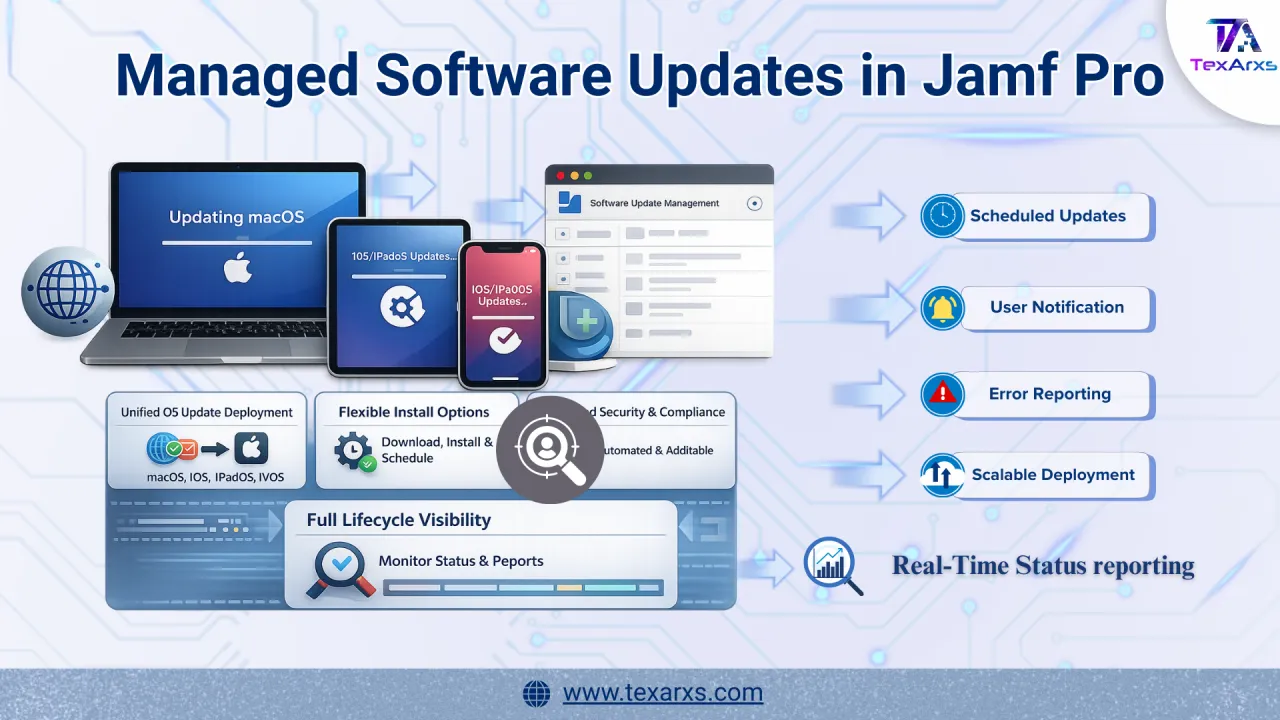
How Jamf Pro managed software updates deliver declarative, enforced OS updates across macOS, iOS, iPadOS and tvOS, and how to set them up.
Security
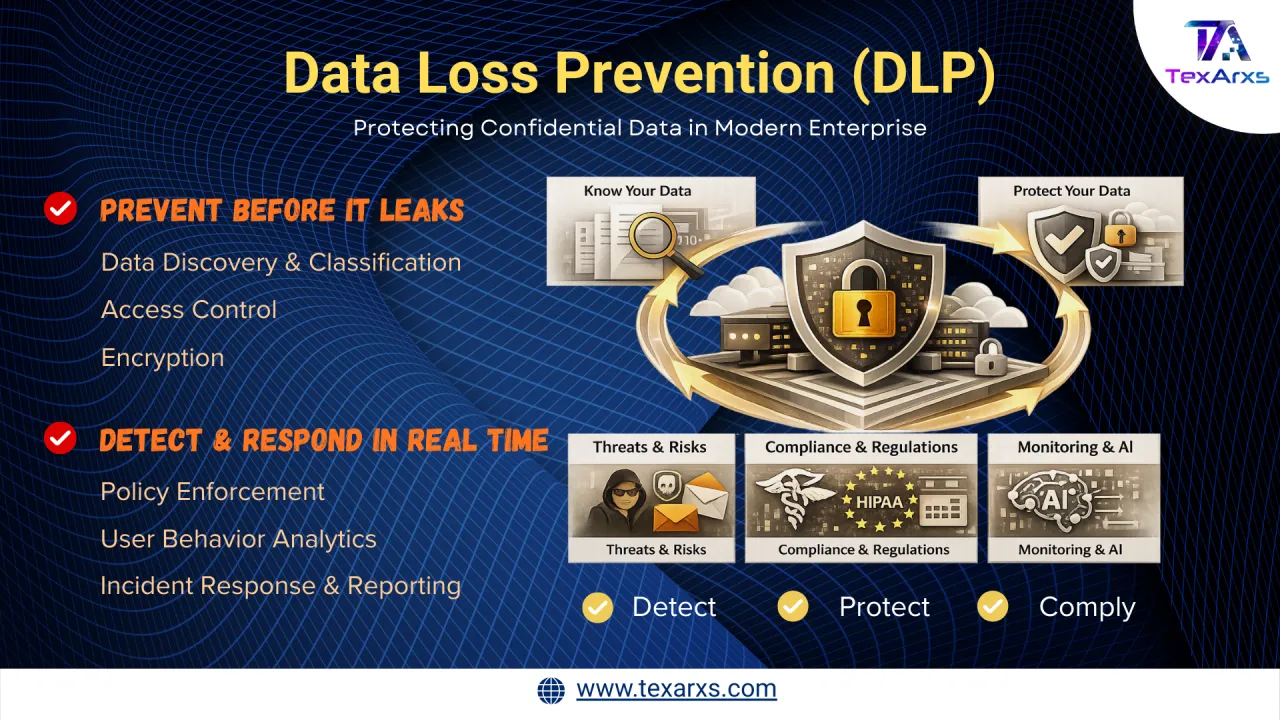
How data loss prevention (DLP) protects company data from insider risk, attacks and accidental exposure across endpoints and cloud services.
Endpoint Management
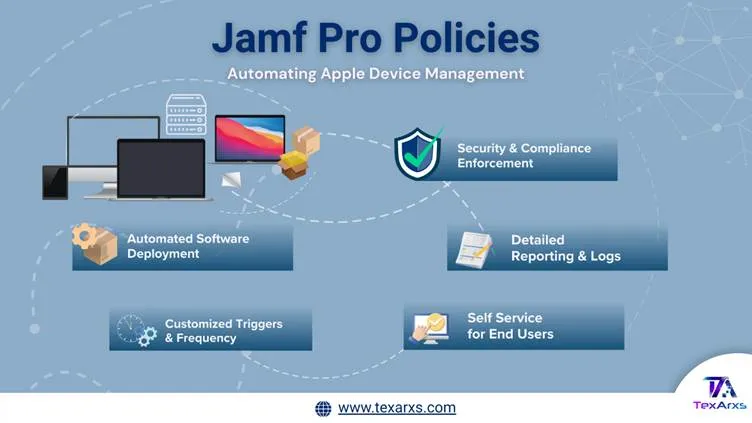
How Jamf Pro policies automate Apple device management, from software deployment and scripts to security settings and Self Service.
Endpoint Management
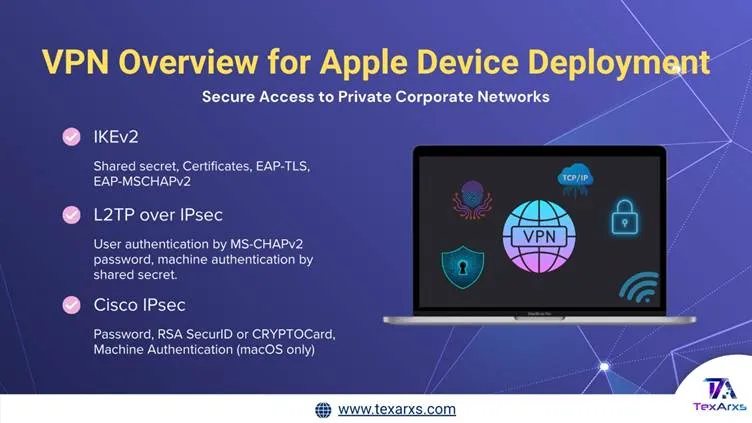
How Apple devices support IKEv2, per-app VPN and Always On VPN to protect company data across iOS, iPadOS and macOS, and how MDM configures them.
Identity & Access
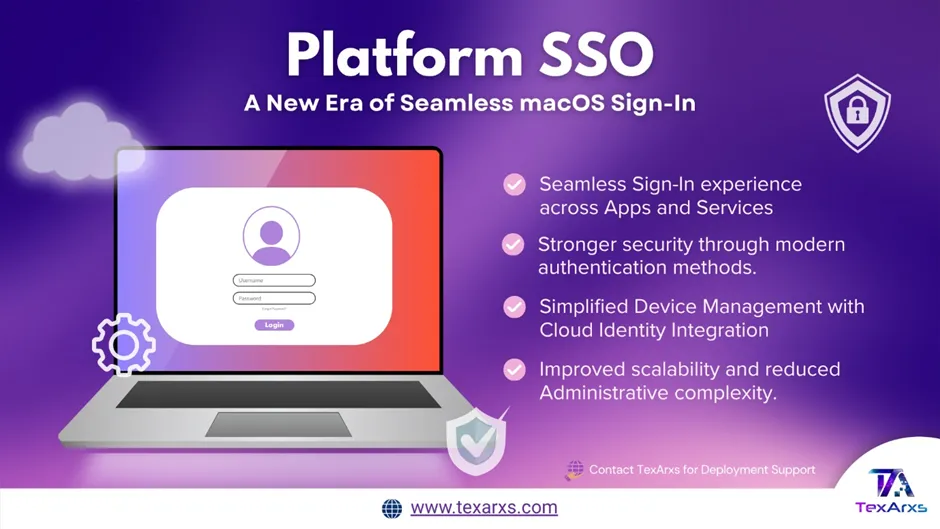
How Platform SSO modernises sign-in on Mac devices, replacing Active Directory binding with your cloud identity provider. What changes for users.
Security
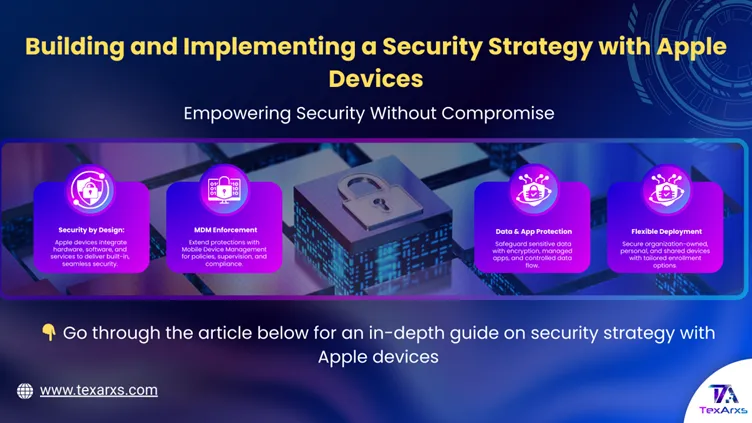
How to build an Apple device security strategy with MDM, FileVault, the Secure Enclave and the protections built into iOS and macOS.
Security
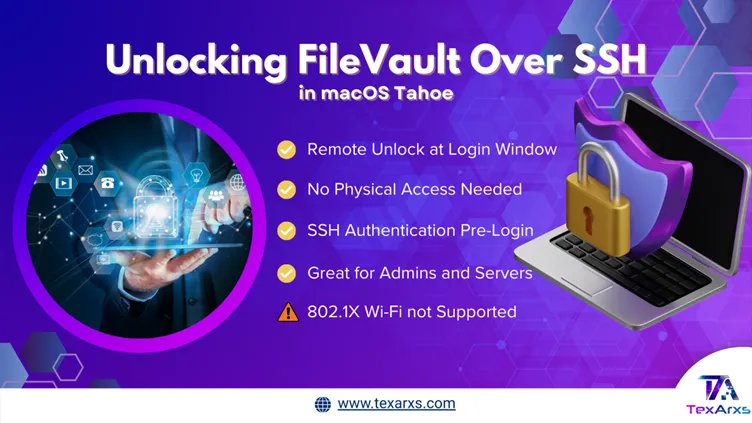
macOS Tahoe lets IT admins unlock FileVault-encrypted Mac devices over SSH after a restart, without physical access. How it works and when to use it.