
Apple & Mac
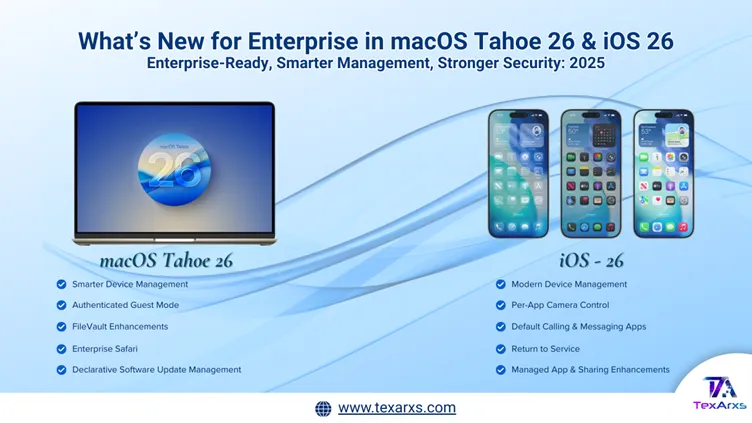
macOS Tahoe 26 and iOS 26: what changes for IT teams
What macOS Tahoe 26 and iOS 26 change for IT teams: declarative management, FileVault over SSH, Platform SSO and new security controls.
Insights
Practical guides on managing Apple devices at work and the IT around them, written by the TexArxs team for IT leaders and Mac administrators.
Apple & Mac
What macOS Tahoe 26 and iOS 26 change for IT teams: declarative management, FileVault over SSH, Platform SSO and new security controls.
Endpoint Management
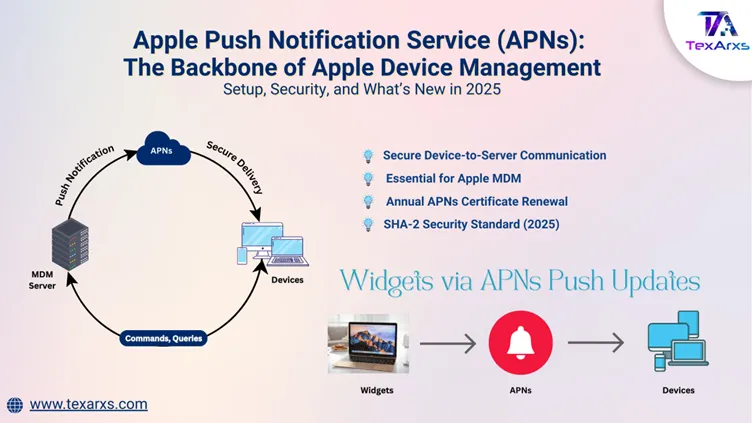
How Apple Push Notification service (APNs) powers MDM communication: certificates, renewals, network requirements and remote device control.
Endpoint Management
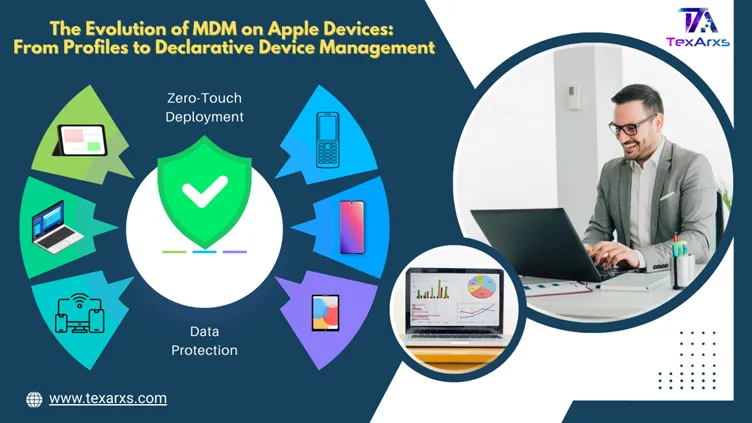
How Apple MDM evolved from configuration profiles to declarative device management, and what that means for security and deployment at work.
Apple & Mac
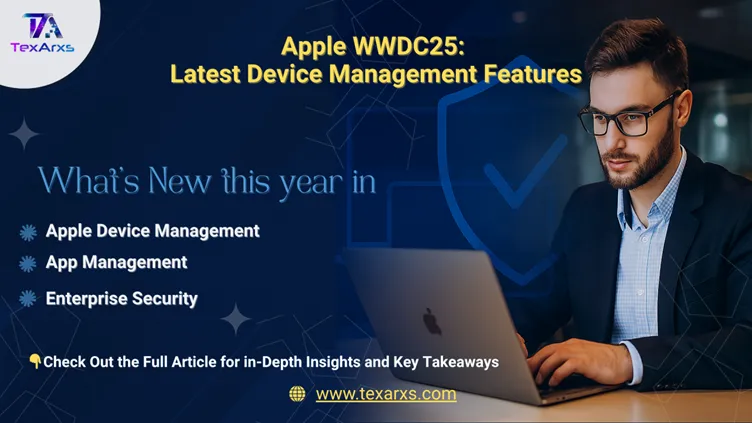
The WWDC25 updates for Apple device management: Managed Apple Accounts, enrolment, app management and enterprise security, for IT teams.
IT Support
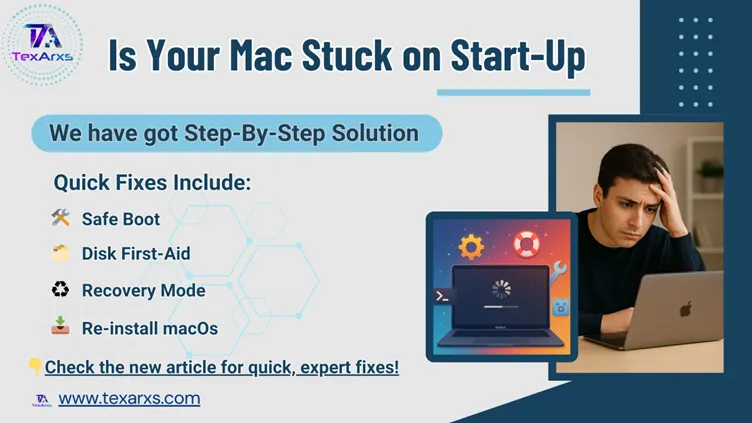
How to fix common Mac startup problems, from a flashing question mark to a blank screen or lock icon, with step-by-step checks for IT teams.
Apple & Mac
More macOS Terminal network commands for troubleshooting, with practical examples that IT admins can use day to day on Mac devices.
Apple & Mac
macOS Terminal network commands explained with practical examples: ping, traceroute, nslookup, ifconfig, curl and netstat for IT admins.
Apple & Mac
How to view, manage and stop processes in the macOS Terminal with ps, top and kill: essential commands for IT admins and developers.
Apple & Mac
How to manage file permissions in the macOS Terminal with chmod and chown: a practical guide for IT admins and developers.
Apple & Mac
Control apps, search with Spotlight, use the clipboard and handle extended attributes from the macOS Terminal: essential commands for IT admins.
Apple & Mac
Essential macOS Terminal file commands, ls, cd, mkdir and rm, explained with practical examples for IT admins and developers.
Apple & Mac
Practise essential macOS Terminal commands with hands-on examples: file navigation, directory management and everyday workflows.