
Apple & Mac
Deployment, management, security and support for Mac, iPhone and iPad devices.
Security & Identity
TexArxs helps you protect devices and control who can reach what, without making work harder. For IT and security leaders who need protection that people will not try to work around.
Security and identity decide two things: whether a device is safe, and whether the person using it should get in. Endpoint protection, encryption and data loss prevention look after the device. Single sign-on, multi-factor authentication and directory services look after the person.
TexArxs sets these up so they work together, and so they protect your company with as little friction for your people as possible. Mac devices get the same care as Windows devices, with settings designed for macOS rather than copied across.

People reuse passwords across dozens of apps.
Single sign-on with multi-factor authentication, so one strong sign-in opens the apps people need.
Security tools are installed but nobody reviews the alerts.
Tuned policies and alerts that point to real issues, with a clear process for each.
Leavers keep access to tools for weeks.
Leaver processes that remove access to connected apps as soon as someone leaves, checked against a list.
It is unclear whether devices meet your own security rules.
Device compliance checks before access, with reporting you can share with auditors.
We learn how your people work, what you run today and what is getting in the way.
You get a written plan: what changes, in what order, and how we will know it worked.
We make the changes in stages, test them with a small group first and keep you informed.
We document what we built and keep it running, or hand it over to your team.
The platforms and tools we work with. TexArxs has no vendor partnerships.
It should not. Single sign-on usually means fewer passwords, and we roll out changes to a small group first so problems are found early.
Yes. We review your current tools and settings first, and recommend changes only where there is a clear gap.
Yes. Mac devices get the same attention as Windows devices, with settings designed for macOS rather than copied across.
Deployment, management, security and support for Mac, iPhone and iPad devices.
TexArxs sets up and runs device management for Mac, Windows, iPhone, iPad and Android devices.
TexArxs helps you choose and plan the right tools for your devices, identity and security.
Our work
Security & Identity
A fintech startup · Fintech (digital lending) · Bengaluru, India
How TexArxs combined EDR with Safetica DLP to protect a fintech startup's Mac and Windows devices and sensitive customer data, without adding complexity.
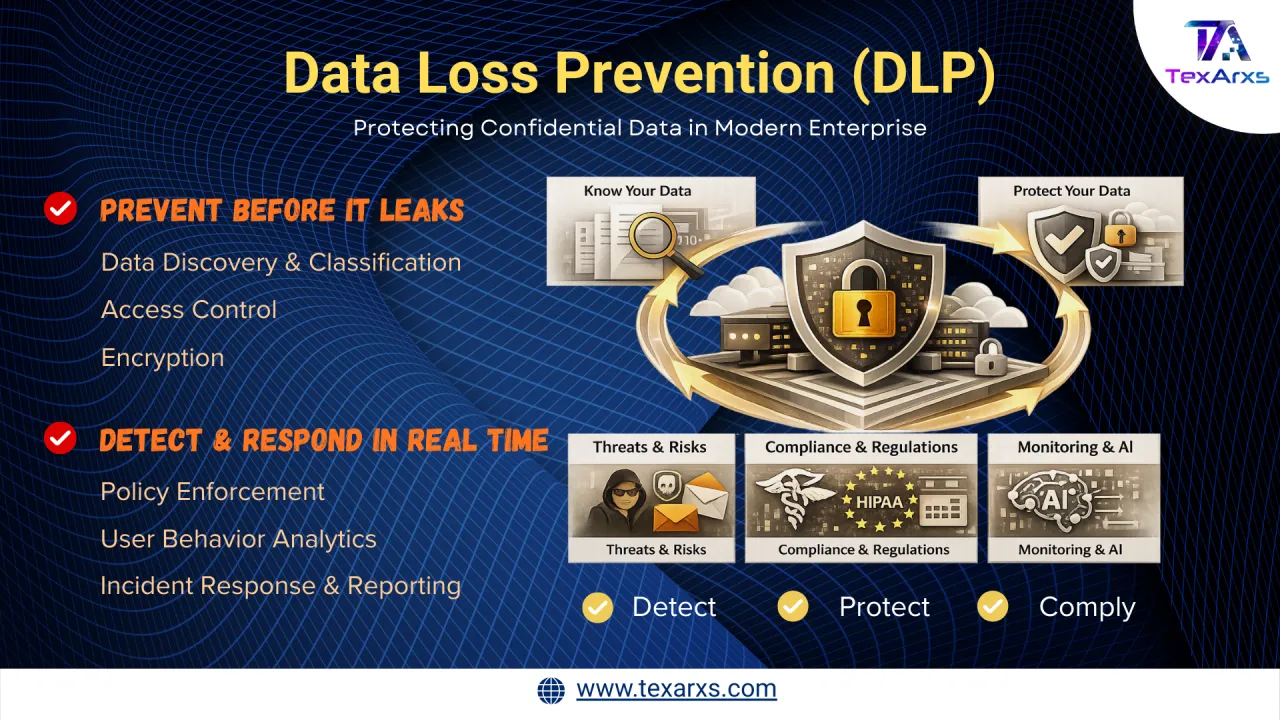
Security
How data loss prevention (DLP) protects company data from insider risk, attacks and accidental exposure across endpoints and cloud services.
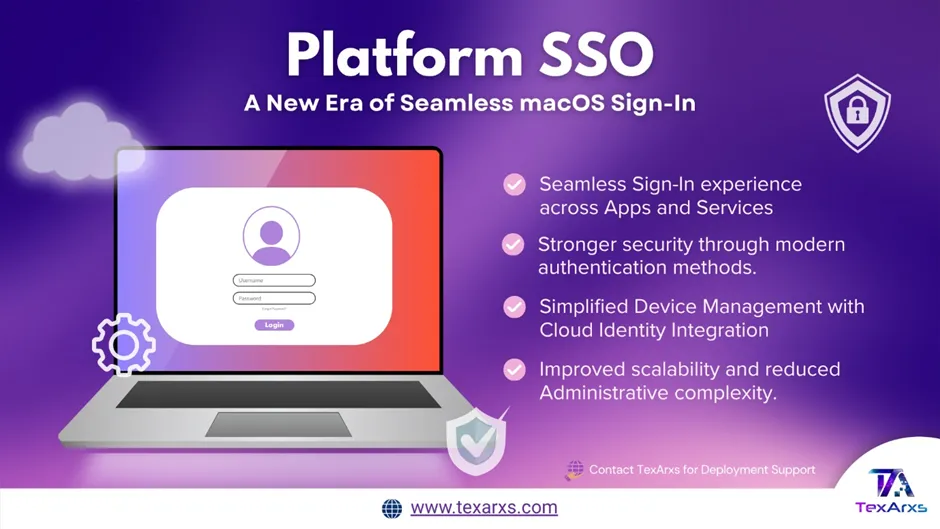
Identity & Access
How Platform SSO modernises sign-in on Mac devices, replacing Active Directory binding with your cloud identity provider. What changes for users.
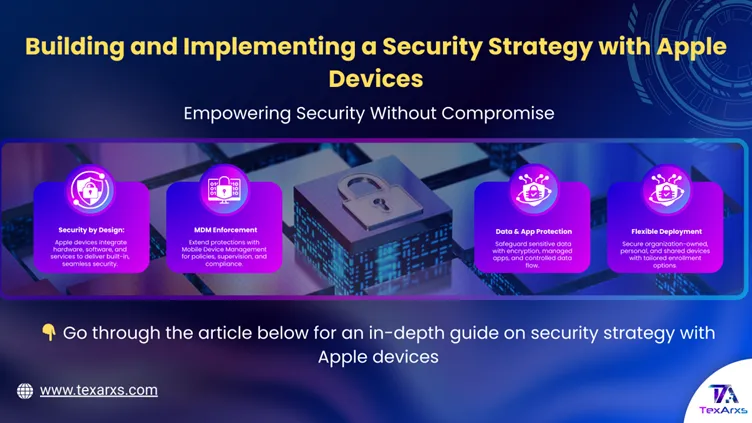
Security
How to build an Apple device security strategy with MDM, FileVault, the Secure Enclave and the protections built into iOS and macOS.